- 1Add footage
- 2Review
- 3Done
LESS SEARCHING. MORE CREATING.
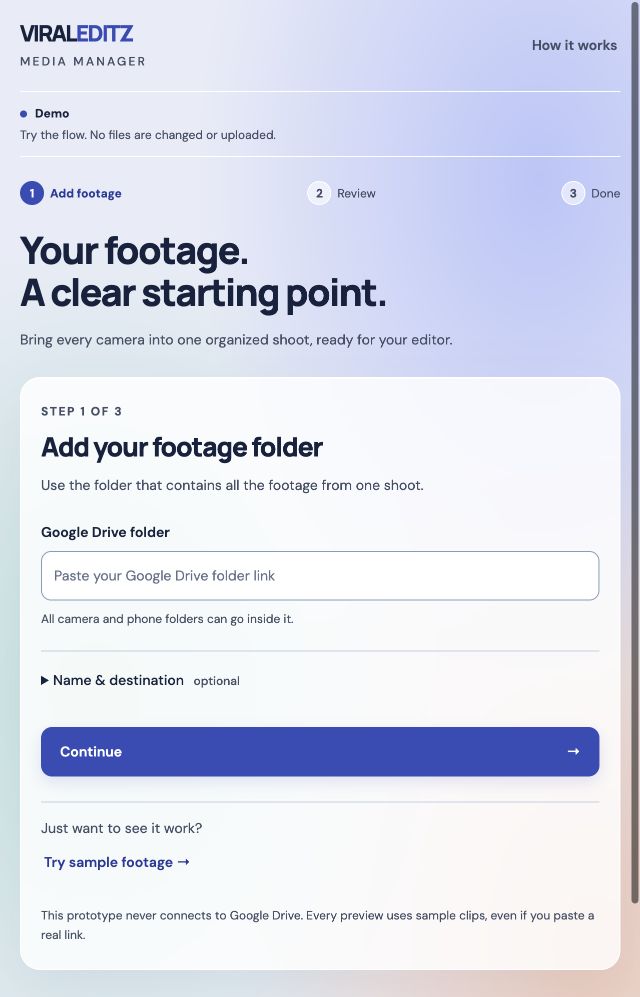
Your footage.
A clear starting point.
Bring every camera into one organized shoot, ready for your editor.
Original footage stays untouched.
STEP 1 OF 3
Add your footage folder
Use the folder that contains all the footage from one shoot.
This prototype never connects to Google Drive. Every preview uses sample clips, even if you paste a real link.
BUILDING YOUR PREVIEW
Bringing the shoot together.
A quick simulation using example footage.
Grouping the sample camera angles…
STEP 2 OF 3
Does this look right?
Your editor would find the footage grouped like this.
Sample clips only. Camera matches are suggestions; recording date is unconfirmed.
STEP 3 OF 3
Ready for your editor.
Here’s the organized folder preview.
Clip index.csv Every topic + timestamp in one list
Preview complete. No folder was created in Drive.
A simpler way to start
One form, a quick review, and your organized shoot. All the extra settings are tucked away.
See the updated workspace